

The previous issue showed that streaming incurs operational costs.
Here is how to build a Kinesis-to-S3-to-Athena pipeline so owning it remains sustainable.
The goal is not maximum throughput or minimum theoretical latency.
AWS services can handle those requirements.
The goal is fewer unnecessary pages, safe recovery when records fail, and landed data that Athena can query efficiently.
A streaming pipeline is successful when it delivers fresh data without turning two engineers into permanent babysitters.
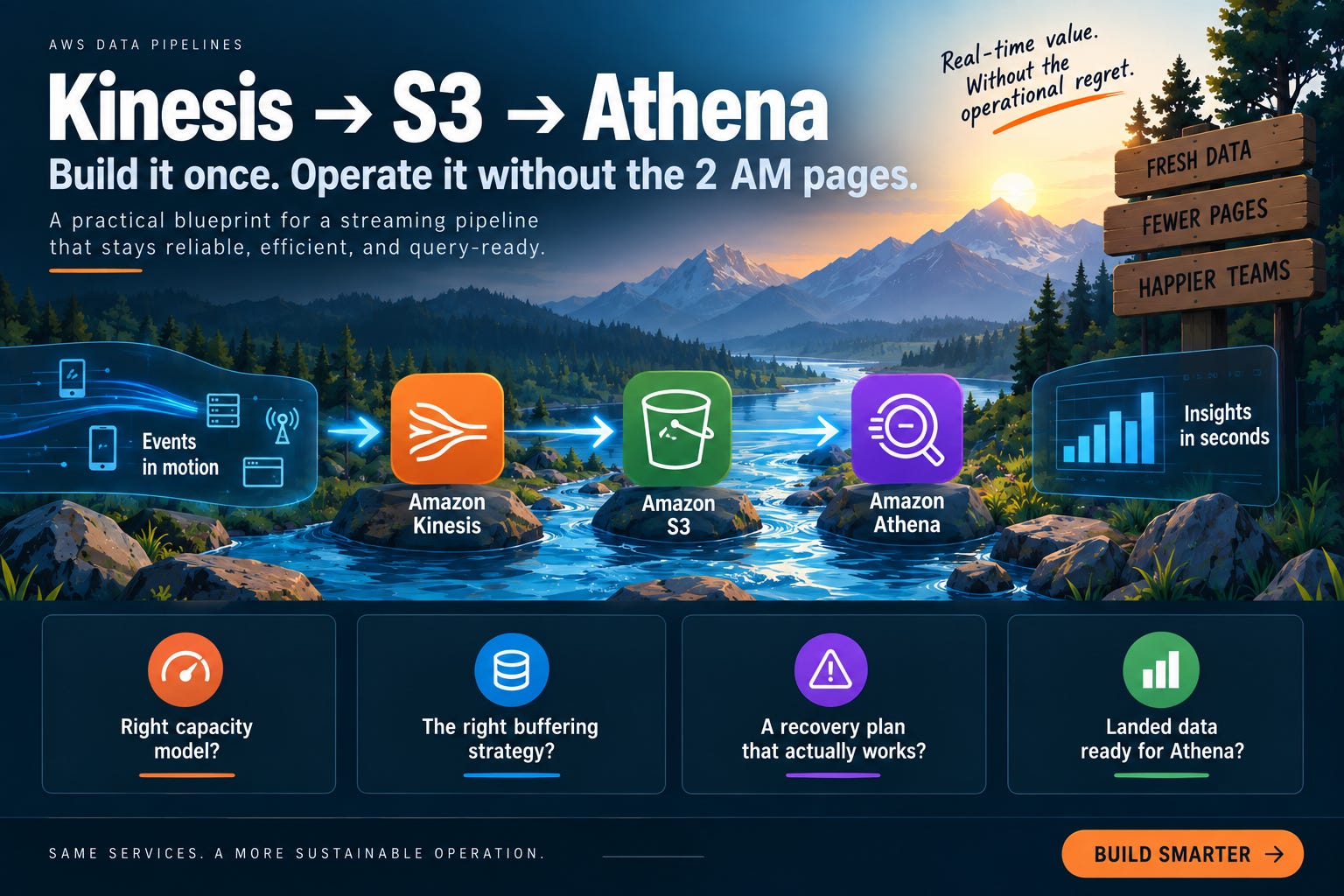
Why Operational Load Decides Whether Streaming Was Worth It
The business case for streaming is made on latency.
The real cost is paid in on-call hours.
A pipeline that pages twice per month consumes more than its infrastructure budget. It interrupts engineers, reduces roadmap capacity, and creates a reliability tax that rarely appears in the original architecture decision.
Track these metrics:
Pages per month
Ratio of pages to real incidents
Mean time to recovery
Dead-letter record rate
Average S3 object size
Producer throttling events
The goal is not zero alerts.
The goal is for every page to represent a condition requiring immediate human action.
How Streaming Pipelines Create Unnecessary Pages
Self-resolving consumer lag
A traffic burst increases Kinesis consumer lag. IteratorAgeMilliseconds rises, then falls once the consumer catches up.
If every temporary spike pages someone, the alert is measuring movement rather than danger.
Use warning and page thresholds. Notify the team when lag increases but the consumer is recovering. Page when lag is sustained, recovery has stalled, or the stream is approaching a retention boundary.
Small files in Amazon S3
Firehose delivers objects when the configured size or time condition is met first.
With dynamic partitioning, buffering occurs separately for active partitions. Low-volume partitions may flush based on time before reaching the desired object size.
A stream can appear healthy while creating thousands of small S3 objects.
Nothing fails immediately.
Athena simply becomes slower and more expensive over time.
Untested dead-letter handling
A dead-letter prefix is not a recovery system.
It is only a location where failed records wait.
If replay has not been implemented and tested, the first malformed record becomes both a production incident and an engineering project.
Build replay before production.
The Three Decisions That Set Operational Load
1. Kinesis capacity: on-demand or provisioned?
On-demand reduces shard-management work and usually fits spiky traffic or small teams better.
Provisioned capacity can be more economical for high, predictable throughput, but the team owns capacity monitoring, scaling, and resharding decisions.
The question is not which mode is cheaper in isolation.
The question is whether someone owns capacity review and whether the traffic pattern justifies the operational work.
A provisioned stream nobody resizes is not optimized.
It is neglected.
Monitor producer and consumer throttling separately. Producer throttling is especially important because it can prevent records from entering the stream in the first place.
2. Firehose buffering: freshness or object size?
Firehose delivers when the size or time condition is met first. The configured values are buffering hints, not guarantees.
Set the largest buffer size and longest interval the actual freshness requirement allows.
Do not assume a 128 MB setting means every delivered object will be 128 MB. Dynamic partitioning creates separate buffers per active partition, and low-volume partitions may flush on time before reaching the size target.
High-cardinality partition keys can create too many active buffers and produce small objects.
Choose the partition key for both query behavior and delivery behavior.
3. Error handling: drop, block, or replay?
Dropping malformed records keeps the pipeline moving but silently loses data.
Blocking preserves data but allows one bad record to stop the stream.
A dead-letter path with tested replay is the correct default.
The replay process must define:
Where failed records are stored
How the original event ID is preserved
How records are reprocessed
How duplicates are prevented
How successful replay is verified
When a failed record is permanently quarantined
If replay cannot establish whether a record landed once, the pipeline is not recoverable.
Building the Pipeline
1. Size capacity from peak traffic
Estimate capacity from measured peak throughput, not average throughput.
Averages hide the burst that causes throttling.
Use historical peak traffic, add operating margin, and document the scaling trigger. For provisioned streams, define who reviews capacity and how often.
For on-demand streams, still monitor throughput, throttling, iterator age, and cost.
Removing shard management does not remove the need for capacity visibility.
2. Choose the partition key from query behavior
Use dynamic partitioning based on a field analysts actually filter on.
A useful key usually has:
Predictable values
Manageable cardinality
Sufficient volume per partition
A direct relationship to common Athena predicates
Do not partition by a field simply because it appears in every event.
A high-cardinality key can create too many active Firehose partitions and small S3 objects. A low-cardinality key may produce efficient objects but weak query pruning.
The correct key balances query behavior and delivery behavior.
3. Define a strict S3 layout
Use a predictable prefix such as:
dataset/event_date=YYYY-MM-DD/hour=HH/
Keep the layout stable so Athena partition projection can calculate locations without requiring a crawler for every delivery.
Decide the partition convention before the stream ships. Repartitioning later means migrating data, updating the table, and validating every consumer.
4. Configure buffering from the real latency requirement
Start with the longest interval the business can tolerate.
Then measure actual object sizes and delivery freshness.
Do not assume one global buffer setting produces one global object size. Dynamic partitioning creates separate buffers per active partition, and low-volume partitions may flush on time rather than size.
If files are consistently too small:
Reduce partition-key cardinality
Increase the interval if permitted
Consolidate low-volume partitions
Add a compaction process
Reconsider whether the stream should partition at ingestion
5. Build replay before production
Send deliberately malformed records through the pipeline before launch.
Verify that they:
Reach the dead-letter location.
Retain enough metadata to identify the original event.
Can be replayed without manual reconstruction.
Land in the intended S3 prefix.
Do not create uncontrolled duplicates.
Remove or mark only after successful verification.
An untested replay path is not error handling.
It is storage with optimistic branding.
6. Use tiered iterator-age alarms
Use a warning notification for temporary lag and a page for sustained lag that threatens retention or indicates the consumer cannot recover.
The exact thresholds depend on stream retention, traffic, and recovery time.
Do not copy universal thresholds without measuring your pipeline.
The page threshold should answer:
If nobody acts now, is data loss or an unrecoverable freshness breach likely?
If the answer is no, notify.
Do not page.
7. Page on data-loss conditions
Producer throttling and failed writes deserve urgent treatment because they can prevent records from entering the stream.
Monitor producer success rates, write throttling, and failed producer operations.
Consumer lag is not automatically data loss.
Producer rejection can be.
8. Monitor object-size degradation
Track average and p95 object size in the S3 landing prefix.
Alert when object size falls below the threshold that makes Athena performance or request overhead unacceptable for your workload.
Do not treat 64 MB or 128 MB as universal laws. They are operating thresholds to test against query performance, partition count, and delivery latency.
9. Alert on dead-letter growth
One malformed record may be normal.
A rising dead-letter rate usually indicates an upstream schema change, transformation bug, or invalid payload pattern.
Monitor:
Dead-letter records per minute
Dead-letter rate as a percentage of total records
Change from the trailing baseline
Age of the oldest unreplayed record
The important signal is accumulation.
10. Put the action in the alarm
Every alarm should link to a runbook containing:
What the alarm means
The first diagnostic command
Two likely causes
Whether to page or notify
Immediate remediation
Escalation owner
Recovery verification
An alarm without an action is a notification that forces a tired engineer to invent a procedure at 3 AM.
The Streaming Pipeline Alarm Matrix
Before production, review every alarm with the engineer who carries the pager.
Page only when immediate human action is required to prevent data loss, an SLA breach, or an unrecoverable failure.
Temporary iterator-age increase
Severity: Notify
Action: Monitor recovery.
If the consumer is catching up and the stream remains within its retention window, notify the team and observe recovery.
Sustained iterator age approaching retention risk
Severity: Page
Action: Investigate consumer capacity immediately.
Check consumer throughput, processing errors, throttling, and recent traffic changes.
Producer throttling or failed writes
Severity: Page
Action: Protect against data loss.
Check stream capacity, producer error rates, retry behavior, and recent traffic volume.
Dead-letter rate increase
Severity: Notify or page based on loss risk
Action: Investigate the schema or transformation failure.
Notify when records are safely retained, and replay remains within its recovery objective.
Page when the backlog is growing toward an SLA breach or records may be lost.
Object-size degradation
Severity: Notify
Action: Correct buffering or partition strategy.
Review Firehose buffering, dynamic partitioning, traffic distribution, and partition-key cardinality.
Aging replay backlog
Severity: Page if the recovery SLA is threatened
Action: Execute the replay procedure.
Page when unreplayed records approach the maximum recovery window, the backlog grows faster than it can be processed, or replay stops making progress.
If the person carrying the pager does not agree that an alarm deserves a page, the alarm design is unfinished.
A page is a request for immediate action.
Treat it like one.
What to Measure Monthly
Track:
Pages per month
Ratio of pages to real incidents
Mean time from alert to confirmed data state
Average and p95 landed S3 object size
Dead-letter rate
Oldest unreplayed record
Producer throttle events
Consumer iterator age
Active dynamic partitions
Athena bytes scanned for landed tables
Review alarm thresholds quarterly with on-call engineers.
Review provisioned capacity monthly.
Review object sizes and Athena scan behavior monthly because delivery configuration and query usage change independently.
The Measure of a Good Streaming Pipeline Is Silence
A well-built Kinesis-to-S3-to-Athena pipeline is one your team does not have to watch constantly.
It lands queryable data, keeps partition behavior predictable, sends malformed records to a tested replay path, and pages only when a human must act.
That is the evidence that the streaming decision was correct.
Not the architecture diagram.
Not the fact that data arrives in seconds.
The evidence is the number of unnecessary pages.
Take your most page-prone pipeline and complete the alarm matrix against its current configuration.
Where the matrix and the live system disagree is where your unnecessary pages come from.
That’s it for today!
Did you enjoy this newsletter issue?
Share with your friends, colleagues, and your favorite social media platform.
Until next week — Amrut
Get in touch
You can find me on LinkedIn or X.
If you would like to request a topic to read, please feel free to contact me directly via LinkedIn or X.